Free Ford Radio Code

Ford radios unlocked online in minutes — your original code, calculated from the serial number.

Own decoding algorithms
Instant free code
Expert support
Money-back promise
Family cars on the road
Free*
Only needed for an old C… or L… serial: the same number builds a three-digit code on some units and a four-digit code on others, and only the radio itself knows which. Count the boxes it shows. If you typed an M…, V… or FO… serial, ignore this.
Please enter a serial like M123456 or V123456, an older C123456 or L123456, a full FO… label serial — or, on a Sony unit, the whole S0CD… line from the label. See the guide below for where to find it.
Estimated code delivery time: instant
A longer label serial beginning FO works too — send it whole and nothing else is needed.
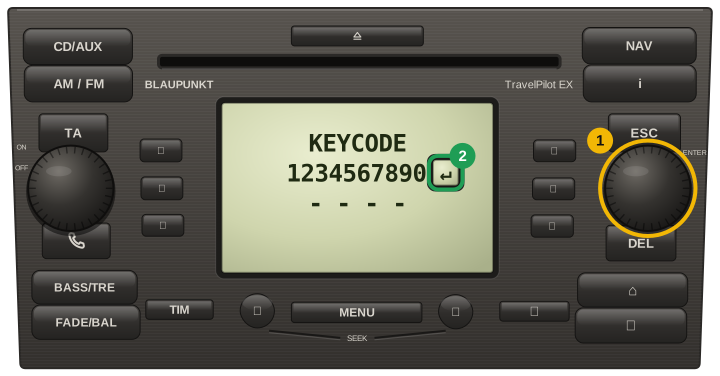
Please note: serials starting with C7 or BP are TravelPilot units — that format we cannot answer yet, and we will say so rather than guess.

How to Find your Ford Radio Code

Around 50% of Ford serials can be shown on screen; the rest are on the label on the back of the unit.

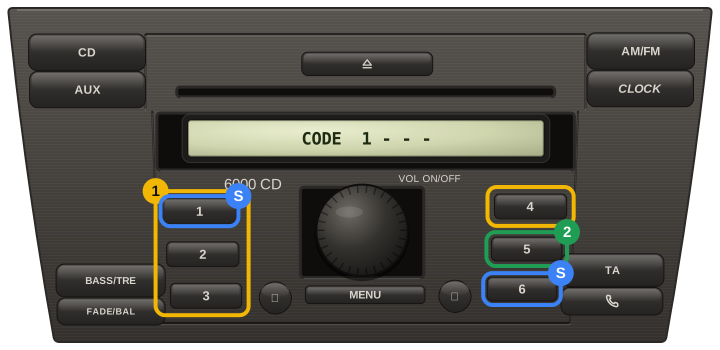
Start by pressing and holding buttons 1 & 6 together.

The radio will cycle through numbers — the correct serial starts with "V" followed by six numbers, for example "V123456".

If the serial does not show, try buttons 2 & 6 together.

The serial shown using these buttons will begin with "M" followed by 6 numbers, for example "M123456".

If neither method shows your serial, the only sure way is the label: printed on the rear casing is a sticker with the serial number.

To get to it you will need radio release keys to pull the unit forward out of the dash.

Ford 6000 CD 2004+

Hold down buttons 1 & 6 together. The radio will cycle through a series of numbers on the display.

Your serial will begin with “V” followed by six digits. If it does not show, the radio needs to come out — the serial is printed on the back of the casing.

Serial number example: V223456

Ford 6000 CD MK3 2008+

Hold buttons 1 & 6 together — the serial will display “V” followed by six numbers.

If the serial does not show, the radio must be removed: take off the surrounding trim and the 4 screws holding the stereo. The serial is printed on the side of the unit.

Serial number example: V326598

Ford 6000 RDS EON 1998+

Hold down buttons 2 & 6 together — the radio will show a serial beginning “M” followed by six digits only.

If the serial does not appear, remove the radio using release keys. The serial is printed on the sticker label on the back of the casing.

Serial number example: M234563

Ford Sony MP3

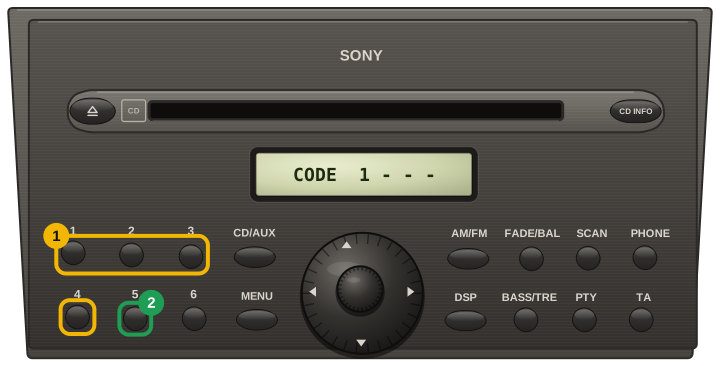
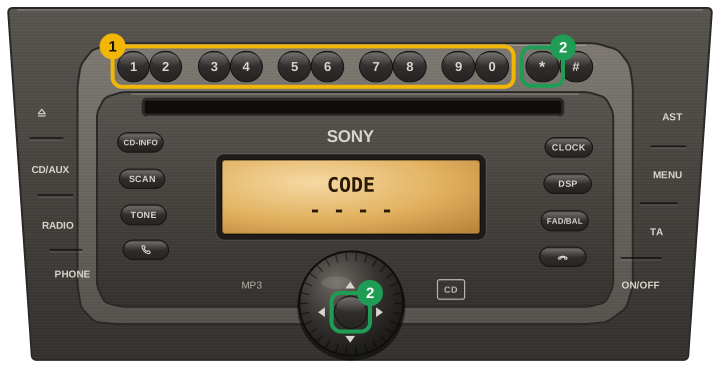
Hold the pre-set buttons 1 & 6 together — the radio cycles through various information on the display.

Your serial will begin “SO” or “SN”; the last 7 characters are a V followed by six digits — that is what unlocks the stereo.

Serial number example: SOCD1XC V332145

Sony CD 132 2004+

Getting this serial requires removing the radio from the dashboard with release keys — when pushed into place the radio frees from the dash.

The serial is printed on the back of the unit and starts “M” or “V” followed by six digits.

Serial number examples: M123456 V234567

Ford 4500 RDS EON 2002+

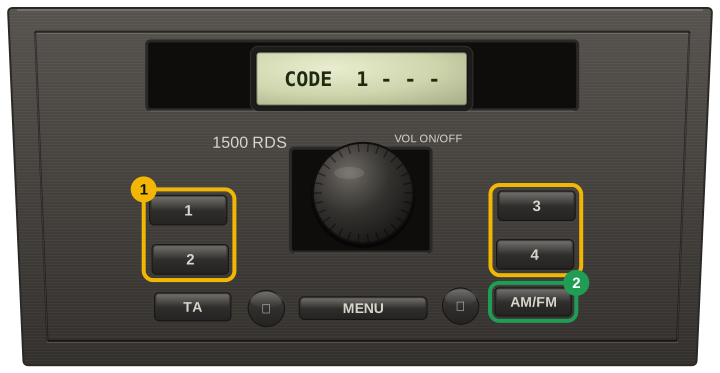
Hold down the preset buttons 2 & 6 to get the M serial number to show on the screen.

Serial number example: M245678

Ford models we cover