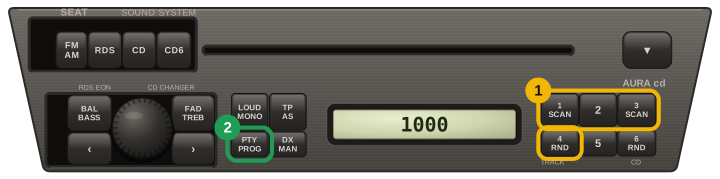
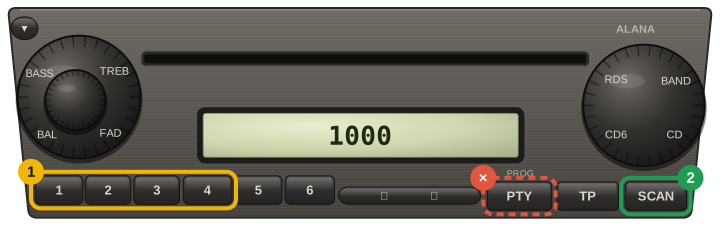
The radio itself never shows the serial: when a Seat unit loses power it just asks for SAFE. The number we need is on the label on the casing, so the unit has to come out of the dash.
Older Aura units come out with a pair of U-shaped release keys; double-DIN RCD and RNS units take four flat T-keys, two per side.
Nothing needs unplugging — pull the unit forward far enough to read the top and side labels.
On the label, look for a 14-character string starting with SEZ — for example SEZ1Z1D3226858.
Two numbers on the same label will not work, and people send them every day. The part number (1P1 035 186 B, 1K0 035 186 — three characters, then two groups of three digits, sometimes a letter) names the model of radio. The Blaupunkt product number (7 646 546 366 — ten digits starting with 7) names who built it. Both are identical on thousands of cars, so no code can follow from either. Only the SEZ string is yours.
Straight answer about VW-group codes: there is no formula. The code lives in the radio's own memory chip, so every service that answers by serial — ours included — is reading a collected database. Most units are answered on the spot; when a serial is not in ours we say so straight away, and you are charged nothing for a code we cannot deliver.