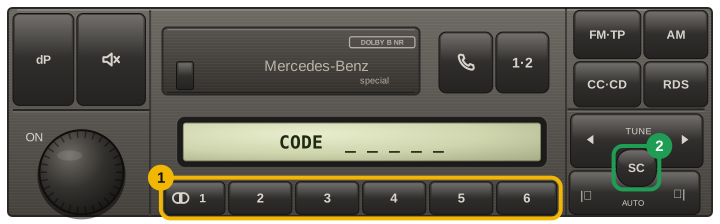
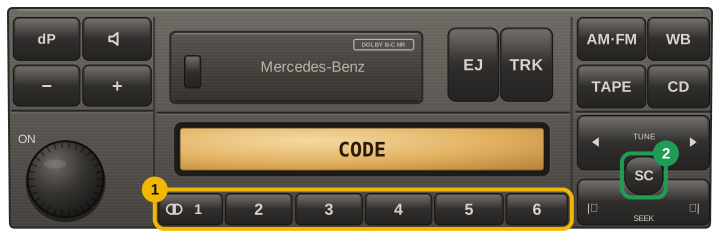
A Mercedes head unit that has lost power asks for its code and never shows the serial, so the unit has to come out of the dash. Becker units release with a pair of U-shaped keys pushed into the holes at the corners of the fascia.
On the label you will find the model (BE 6023, BE 2010 and similar) and the serial. Send both — the model tells us which family the unit belongs to.
Some Mercedes units carry a longer serial instead, beginning DB or CM — for example DB0920R1000019 or CM0032A9501178. Those we look up whole, and they need no extra question: type the label exactly as printed, all fourteen characters, and nothing else. Do not shorten it — a shortened label looks like a different unit entirely.
The number that will not work: the part number. On a Mercedes label it looks like A163 820 05 79 — an A, then ten digits in groups. It names the model of radio, so it is the same on thousands of cars and cannot produce your code. The serial is the shorter string beside it: eight characters, or a DB… label. If what you are holding is longer than that and starts with A, keep looking.
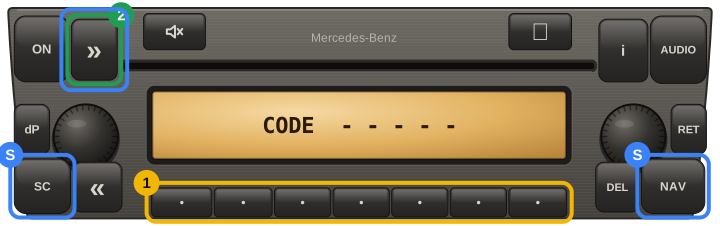
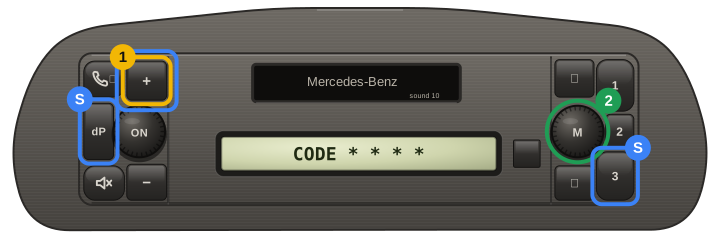
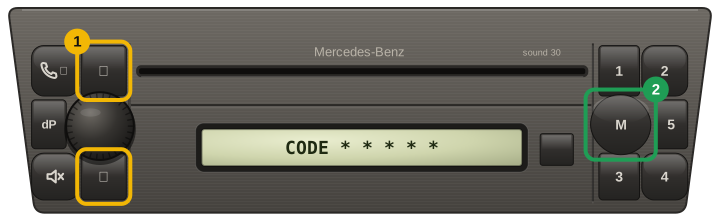
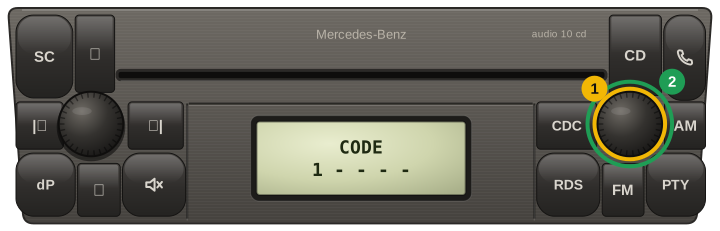
Why we ask what the radio wants. The same serial has different codes depending on the unit: some Becker radios take a four-digit code, others a five-digit one typed on the preset buttons, using only the digits from 1 up to the number of buttons that enter it.
So look at the display first and count the dashes. Four dashes means a four-digit code, however many buttons the panel has. Only for a five-digit code does the button count matter — and then count the buttons that actually enter the code, not every button you can see. With that answer there is exactly one right code and you get it on the spot.